Tac Net Discord Bot
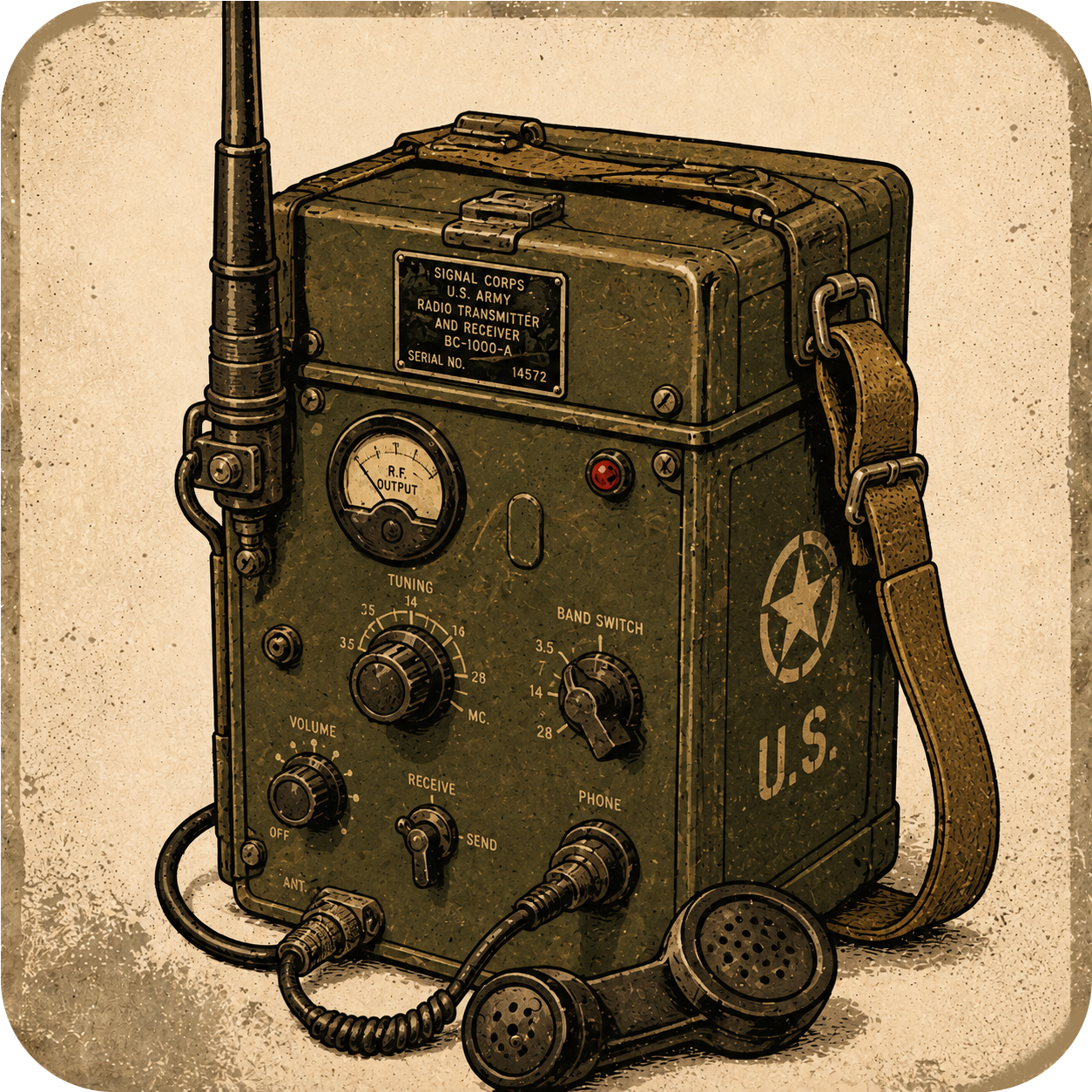
A Discord bot that turns a set of voice channels, in the same server or across different servers, into a half-duplex "radio net". Coordinate between groups of people in different locations, or just have fun with friends. The bot can be added to any server, and the voice channels can be in any server, as long as the bot has permission to join them.
The user starts a radio net by running the /net host command while in a voice channel. This creates a new net and a unique join code. The other users can then join the net by running /net join <join code> command. Do this for each channel that should be in the net. Running these commands will make the bots join the voice channels and start listening for a priority speaker. When it detects a priority speaker in one channel, it transmits that audio to all other channels on the same net.
- Invite the Coordinator Bot and an optional amount of relay bots to your server.
- Assign a role with Priority Speaker permissions to users.
- Set up a Discord hotkey for Voice Activity Priority to act as the radio PTT.
- /net host - Hosts a new radio net and creates a unique join code.
- /net join <join code> - Joins a existing radio net using the unique code created with /net host
- /net leave - Leave the radio net. Can not be used by the hoster.
- /net end - Ends the radio network and kicks all other participants. Must be used by the hoster.
- /net status - List linked channels and who is currently transmitting.
- /net preferences - Set user preferences like microphone gain.